
Wideframe
Cataloghi ricambi ed esplosi Wideframe
10 files
-
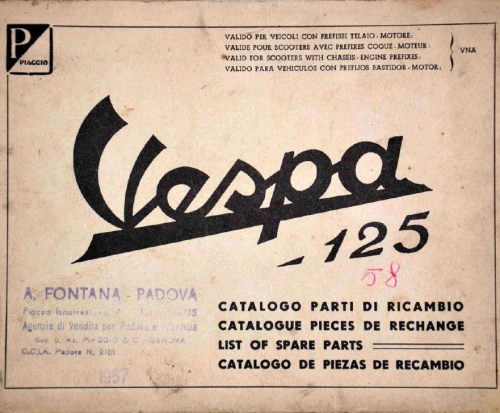
Catalogo Ricambi Vespa 125 VNA multilingue
Da sergioT5
atalogo Ricambi Vespa 125 VNA1-2, in italiano, inglese, francese e spagnolo.
File .PDF
104 downloads
(0 recensioni)0 commenti
Inserito
-

Tavole Esplosi Vespa 125 1953-54
Da GiPiRat
Tavole Esplosi con numeri dei ricambi per Vespa 125 1953-54.
File .PDF
165 downloads
(0 recensioni)0 commenti
Inserito
-
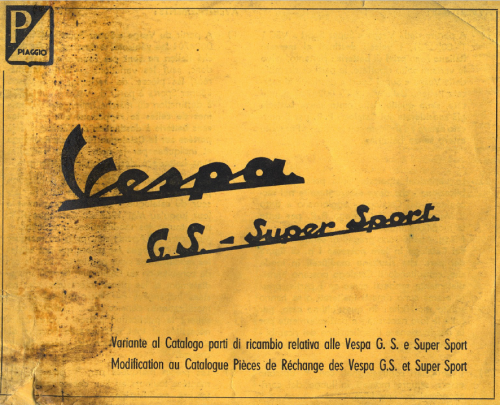
Variante catalogo ricambi Vespa 150-160GS - 180SS
Da GiPiRat
Variante al catalogo ricambi delle Vespa 150 GS1-2-3-4-5, 160 GS e 180 SS a partire dalla Vespa VSC1T-0024701. In italiano e francese.
File .PDF
103 downloads
(0 recensioni)0 commenti
Inserito
-

Catalogo Ricambi Vespa 150-160GS 180SS ingl-spa
Da GiPiRat
Catalogo Ricambi per Vespa 150 GS1-2-3-4-5 , 160GS e 180SS, in inglese e spagnolo.
File .PDF
99 downloads
(0 recensioni)0 commenti
Inserito
-
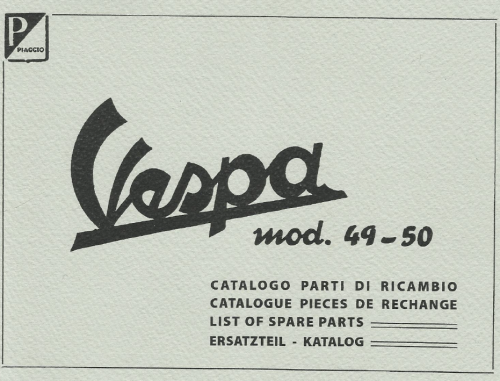
Catalogo Ricambi Vespa 125 VT12-15 multilingue
Da eleboronero
Catalogo Ricambi per Vespa Bacchetta 125 VT12-15 1949-50, multilingue.
File .PDF
121 downloads
(0 recensioni)0 commenti
Inserito
-
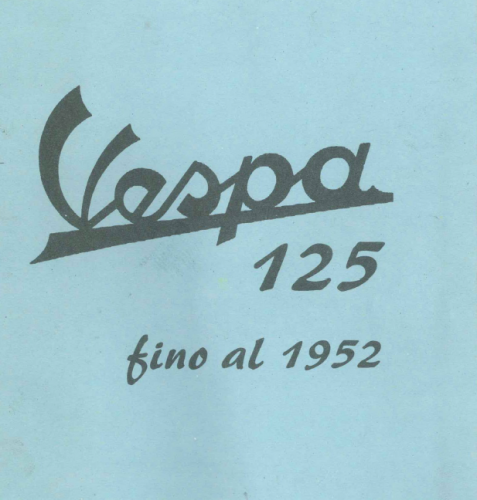
Catalogo Ricambi per Vespa 125 sino al 1952
Da alfred
Catalogo parti di ricambio per Vespa 125cc. sino al 1952.
File .PDF
133 downloads
(0 recensioni)0 commenti
Inserito
-

Catalogo Ricambi Vespa 125 modd. V30-V31-V32-V33
Da GiPiRat
Catalogo Ricambi per Vespa 125 modelli V30, V31, V32, V33. In Italiano.
File .PDF
156 downloads
(0 recensioni)0 commenti
Inserito
-
Catalogo Ricambi Vespa ACMA 150 GL 1956 Francese
Da GiPiRat
Catalogo Ricambi Vespa ACMA 150 GL del 1956, in francese.
File .PDF
35 downloads
(0 recensioni)0 commenti
Inserito
-
Tavole degli esplosi vespe 150 e VBB-GL dal 1955
Da GiPiRat
Tavole degli esplosi in inglese e spagnolo, per vespe 150 dal 1955 al 1964: Vespa 150 VL1T, VL2T, VL3T, VB1T, VBA1T, VBB1T, VBB2T, VGL1T, VGLA1T, VGLB1T, VLA1T.
File .PDF
98 downloads
(0 recensioni)0 commenti
Inserito
-

Catalogo ricambi vespa 98
Da signorhood
Catalogo ricambi ed accessori per Vespa 98.
File .PDF
82 downloads
(0 recensioni)0 commenti
Inserito
Board Life Status
Board startup date: September 04, 2017 19:43:09